
Why Secure Connections Matter on Online Information Websites
Why Secure Connections Matter on Online Information Websites
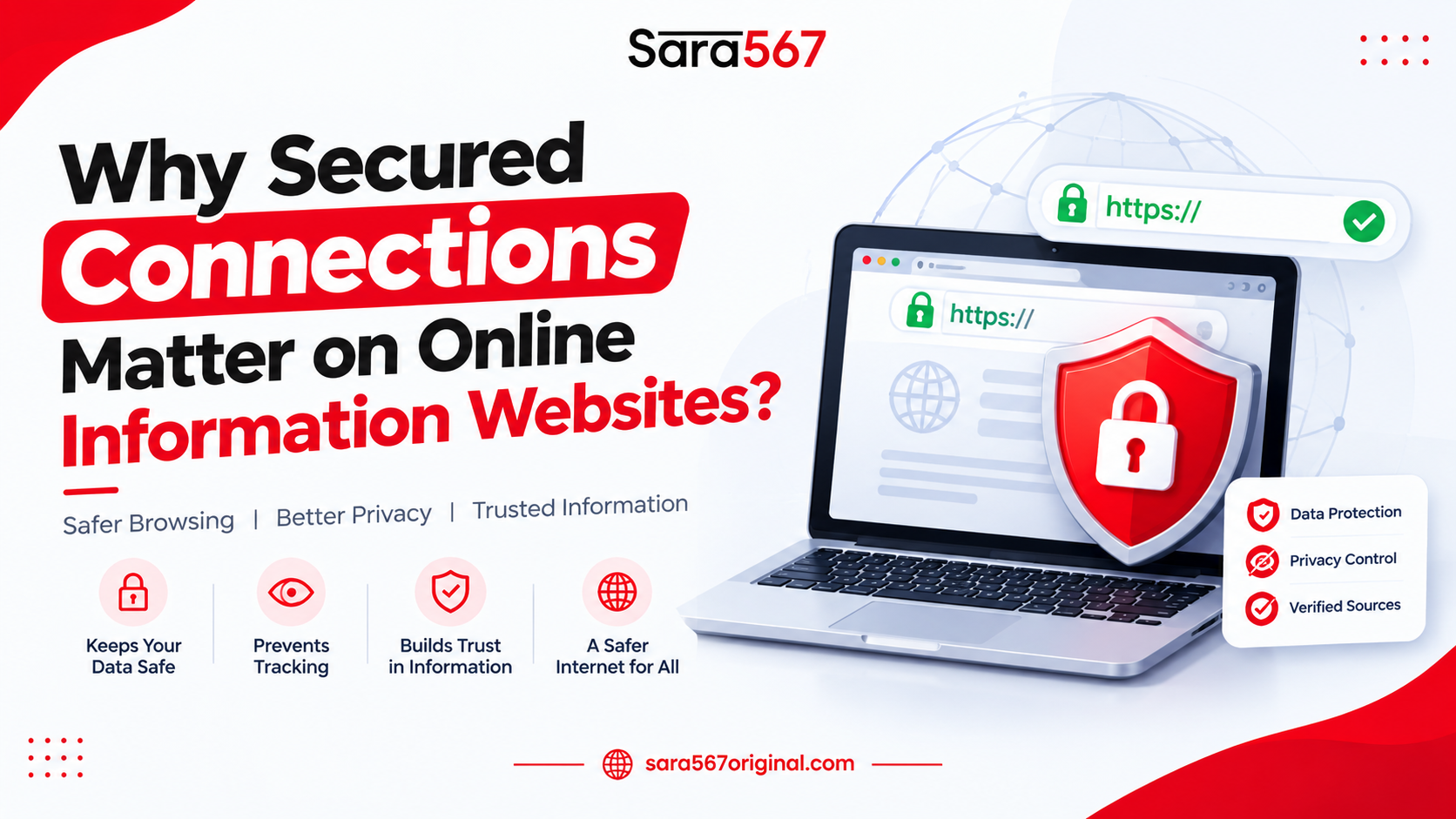
Why Secured Connections Matter on Online Information Websites?
The exchange of information happens when you visit a website. The secure connection makes the information exchange private and safe from tampering or spying. Knowing this will be helpful for you even if you visit websites just to access information as the web page can be tampered with if there is no secure connection.
This is a guide about secure connections written in a way that is easy to understand for students and beginners. This guide is not promoting any website.
What is a Secure Connection?
The connection to a website will be secure when the web address starts with HTTPS rather than just HTTP. The extra ‘S’ indicates that the connection is secure. HTTPS will encrypt the information sent to and from your browser so that anyone else using the same network won’t be able to read the information sent to the website.
Why Does This Matter for Information Sites?
- Privacy: Others using the same network won’t be able to spy on what pages you have opened.
- Integrity: No one can modify the information sent in transit to you. For example, no one could add fake advertisements or hyperlinks.
- Authenticity: The certificate verifies that you have reached the website you intended to visit. Trust: Modern browsers give valid reasons to use HTTPS.
Step by Step: How to Check a Connection
Read the URL carefully: ensure that it starts with "https://". In addition, check whether the domain name has spelled correctly.
- Find the padlock symbol: click on it to view information about the website certificate.
- Pay attention to browser alerts: Do not proceed incase if you see any unknown alerts .
- See the complete domain name: check the name just before ".com" or ".in," as phishing websites usually use slight alterations in names.
- Do not enter your data on HTTP pages: especially when it comes to passwords and personal information.
- Be careful on public Wi-Fi: although using HTTPS can be helpful, it still poses additional risks on public Wi-Fi connections.
- Remark: The padlock icon is only indicative of an encrypted connection.
What to Look For: A Quick Comparison
| What to Check | Secure Sign | Warning Sign |
|---|---|---|
| Address start | https:// | http:// with no S |
| Padlock | Shown in the address bar | Missing or crossed out |
| Browser message | No warnings | "Not secure" or certificate error page |
| Domain name | Spelled exactly right | Extra letters, numbers or odd endings |
| Page behaviour | Loads normally | Constant redirects and pop ups |
| Certificate details | Issued to the correct site | Name mismatch or expired |
Common Misunderstandings
- "The padlock means the site is trustworthy." Scam sites can also use HTTPS.
- "I only read pages, so security does not matter." Altered pages can still lead you to harmful links.
- "I can ignore the certificate warning once." That warning is often the only sign of a problem.
Also Read: Daily Matka Result Updates: Everything You Should Know
Conclusion
Securing yourself from prying eyes is a simple matter of ensuring that your connection is secure and you’re viewing the web page that the website wanted you to view. It takes only a moment to ensure that there’s an “https,” a padlock, and that the spelling of the domain is correct.
Frequently Asked Questions
1. What does HTTPS stand for?
Hypertext Transfer Protocol Secure. This is the protocol used for encrypting connections from your browser to websites.
2. Does the presence of a padlock guarantee that the website is legitimate?
No. It just says that the connection is encrypted. The site may be phishing or scamming.
3. Can I use HTTP sites?
You can safely browse such sites, but entering passwords or personal information is not allowed, because the communication is not encrypted.
4. What action should I take if my browser shows certificate warnings?
Close the page and leave the site. Proceed only if you know why and trust the site owner. 5. Does HTTPS protect me from threats while using public Wi-Fi networks?
It provides great protection, but it is still better not to use sensitive accounts on such networks.
Responsible Gaming Notice
Gambling is a game of chance, and no information, chart or tip can guarantee or predict a result. This article is for general awareness only and does not encourage gambling. The content is meant for adults aged 18 and above. Please follow the laws of your region, and never risk money you cannot afford to lose. If gambling is causing stress, please talk to someone trusted or any local services.
SEO expert and digital content researcher tracking market trends, data verification, and informational guides across digital platforms.